It’s always useful to know some neat tricks in order to make your life easier while you are coding. That’s the case with $0 in DevTools Chrome/Opera Console.
Chrome/Opera DevTools stores your recent selection history to a special variable. Open up the DevTools, select an element and then click console and type in $0. Something like the below picture will come up.
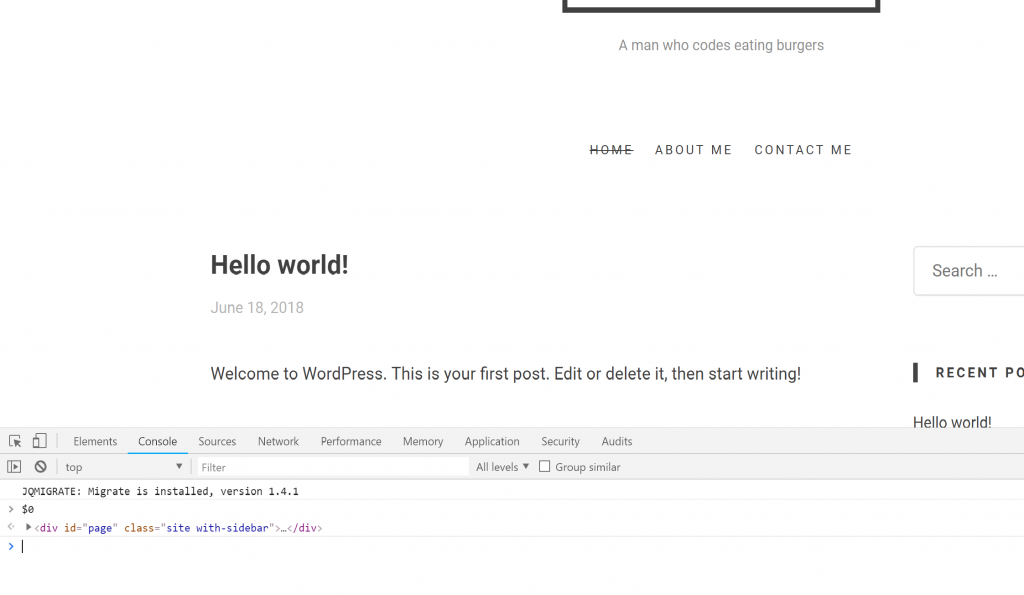
We can see that $0 refers to my last selection. Selecting an other element, the previous one can be accessed with $1 and the last one with $0. It’s pretty useful once you get used to it.